
Five years ago, the only tracking on a bag was the barcode on the airline tag. Today, most travelers can watch their bag move through the airport in real time using a $30 tracker they drop in the bag. The technology is now good enough that airlines have adapted their processes to accept passenger tracking data as evidence.
Physical trackers
| Tracker | Network | Battery life | Best for |
|---|---|---|---|
| Apple AirTag | Apple Find My (~1.5 billion devices) | 1 year | iPhone users, largest network |
| Tile Pro | Tile network (~40 million users) | 1 year, replaceable | Android users |
| Chipolo Card | Apple Find My or Google | 2 years, non-replaceable | Wallets, thin cases |
| Samsung Galaxy SmartTag2 | Samsung Find network | 1.5 years | Samsung users |
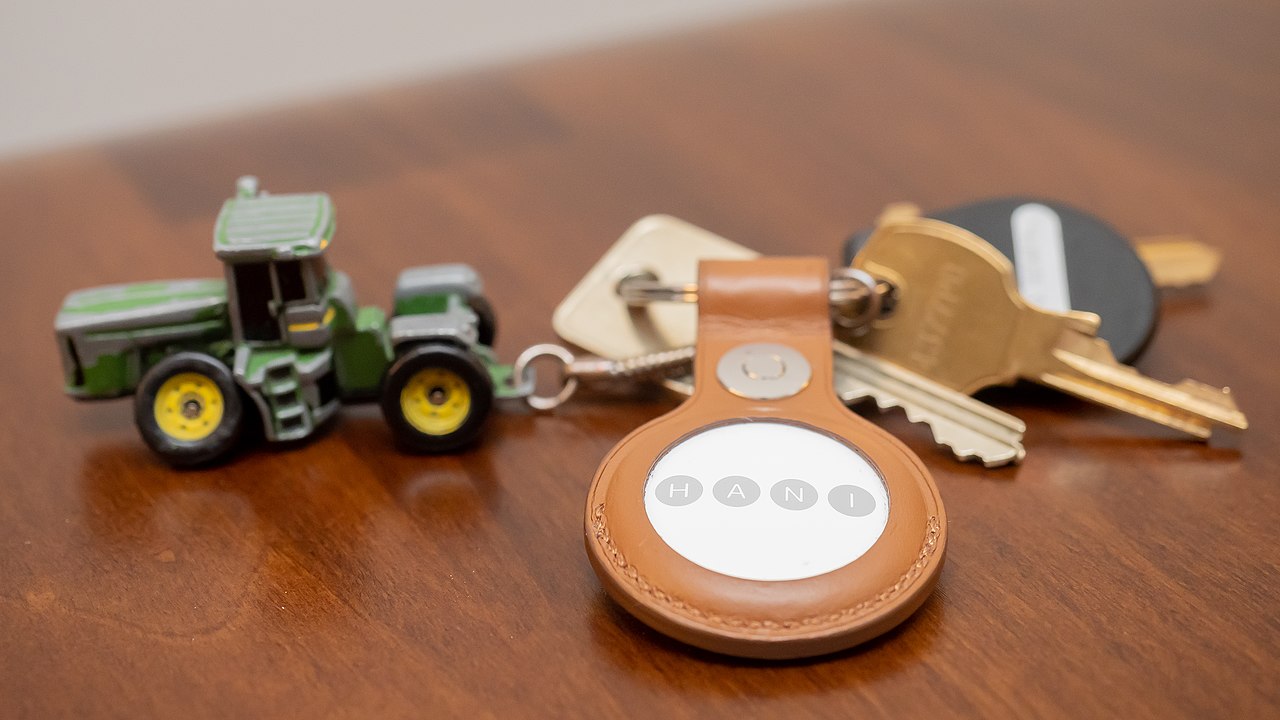
For an iPhone user with a mixed itinerary, AirTag is essentially the default. The Find My network is dense enough in major airports that location updates come every few minutes. The one gap: some Chinese airports and a few very small regional airports have coverage gaps of 6-12 hours.
Airline tracking
Most legacy airlines now offer bag tracking through their app. It uses the bag tag barcode and shows major status events:
- Checked in.
- Loaded onto aircraft.
- Arrived at destination.
- Delivered to carousel.
- Delayed and traced (if applicable).
This system is entirely airline-controlled and only updates when the bag passes a scanner. If the bag is loaded on the wrong flight and the wrong scanner captures it, the app can show 'loaded' while the bag is going to a different city. AirTag catches this; the airline system does not.
Using the data
If AirTag shows your bag at the origin airport after your flight has landed:
- File the PIR at your destination baggage service office.
- Show the agent the AirTag screenshot with a timestamp.
- Ask them to check WorldTracer for a matching found-bag report at your origin.
- Give them your current location for delivery.
- Keep AirTag open and screenshot each location as the bag moves.
If AirTag shows the bag at a third airport (a hub, or somewhere unexpected):
- The bag is likely on its way but was routed via a different hub. This is common and usually resolves in 24-48 hours.
- File the PIR anyway - the airline needs the paperwork to deliver.
- The screenshots become documentation if you need to claim later.
If AirTag shows the bag stopped moving and stays in one place for many hours after normal delivery windows:
- That location is likely an airline warehouse or lost-and-found holding area.
- Call the airline's local baggage service office directly (not general customer service).
- Provide the AirTag location; agents at the same airport can often physically locate the bag within an hour.

See also: lost baggage guide, delayed bags and damaged luggage.
Frequently asked
Are AirTags banned by any airline?+
No. Lufthansa briefly considered a ban in 2022 but reversed the position. As of early 2026, no scheduled airline prohibits AirTags or similar trackers in checked bags.
Do I need to declare the tracker?+
No. Trackers use a small lithium button cell battery, well below any regulatory threshold.
What if the tracker's battery dies mid-trip?+
The bag continues to be visible on the network as long as it stays near a device from that network, but stops broadcasting fresh signals. Replace the battery before long trips.
Editorial team
AirHelpService at AirHelpService
Writes about air travel operations, passenger rights and airport procedures. Reader questions and corrections welcome via our contact page.
Subscribe
One useful travel guide, every Tuesday.


